Passport size photo · Al Shahaniya, Qatar
Explain a difference between a photo preview and its print
A page preview can resize a portrait on screen even when the underlying photo file is correct. If a physical application photograph measures differently from the required size, check the print setup before altering the portrait.
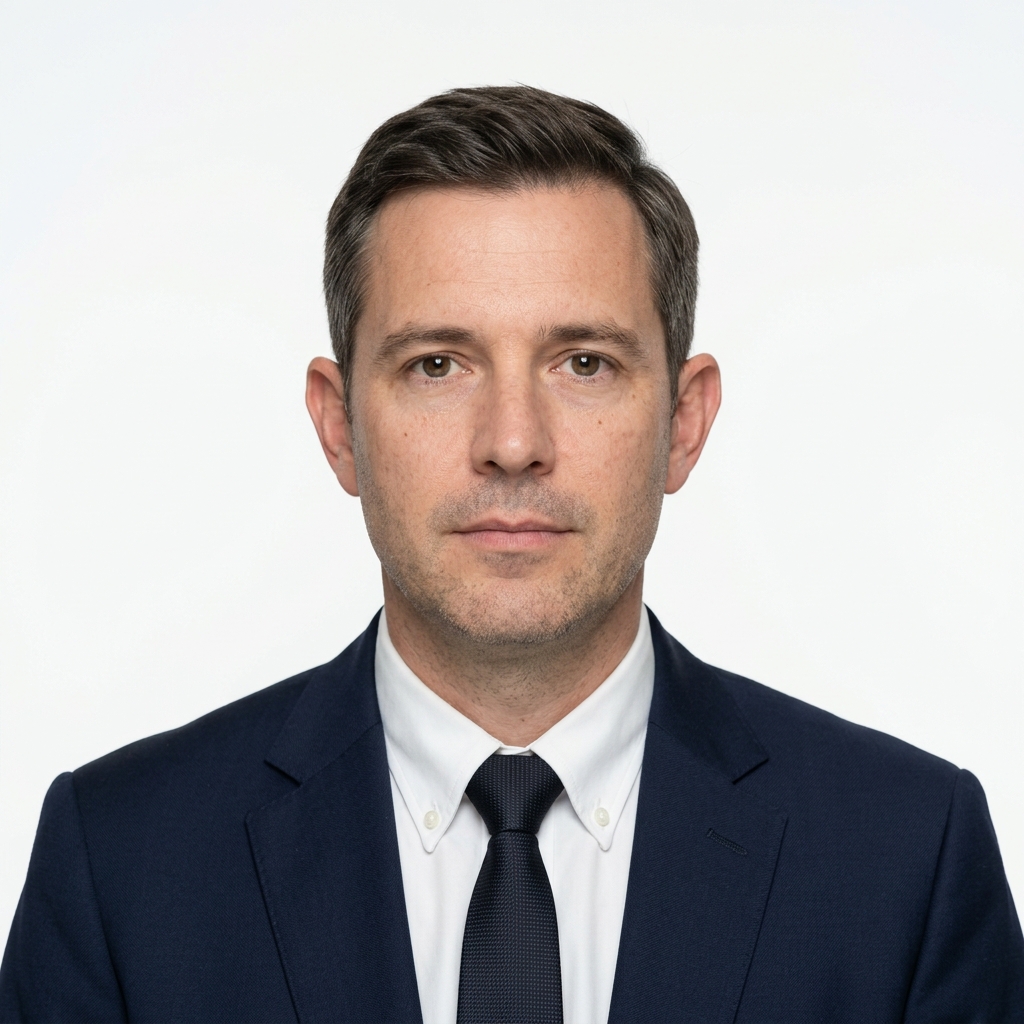
Preparing your project
- Read the requested finished dimensions from the receiving authority's current guidance. Measure the printed image itself and distinguish it from the surrounding sheet or white margin.
- Look for automatic fitting or page scaling in the previous print setup. Give the studio the original digital file and the required physical dimensions so it can prepare a correctly sized proof.
- Use a ruler on the new proof in both directions. If the outside dimensions match but the face size still looks wrong, compare the crop against the authority's instructions before ordering all the copies.
Arranging this in Al Shahaniya
When coordinating from Al Shahaniya or Dukhan, share a map pin and the required date with the team. For studio work, request a named collection branch. For venue work, confirm travel arrangements and site access.